The AI learning device
kids can talk to.
Questions, stories and discoveries.
With limits parents choose.
Free signup. No payment required.
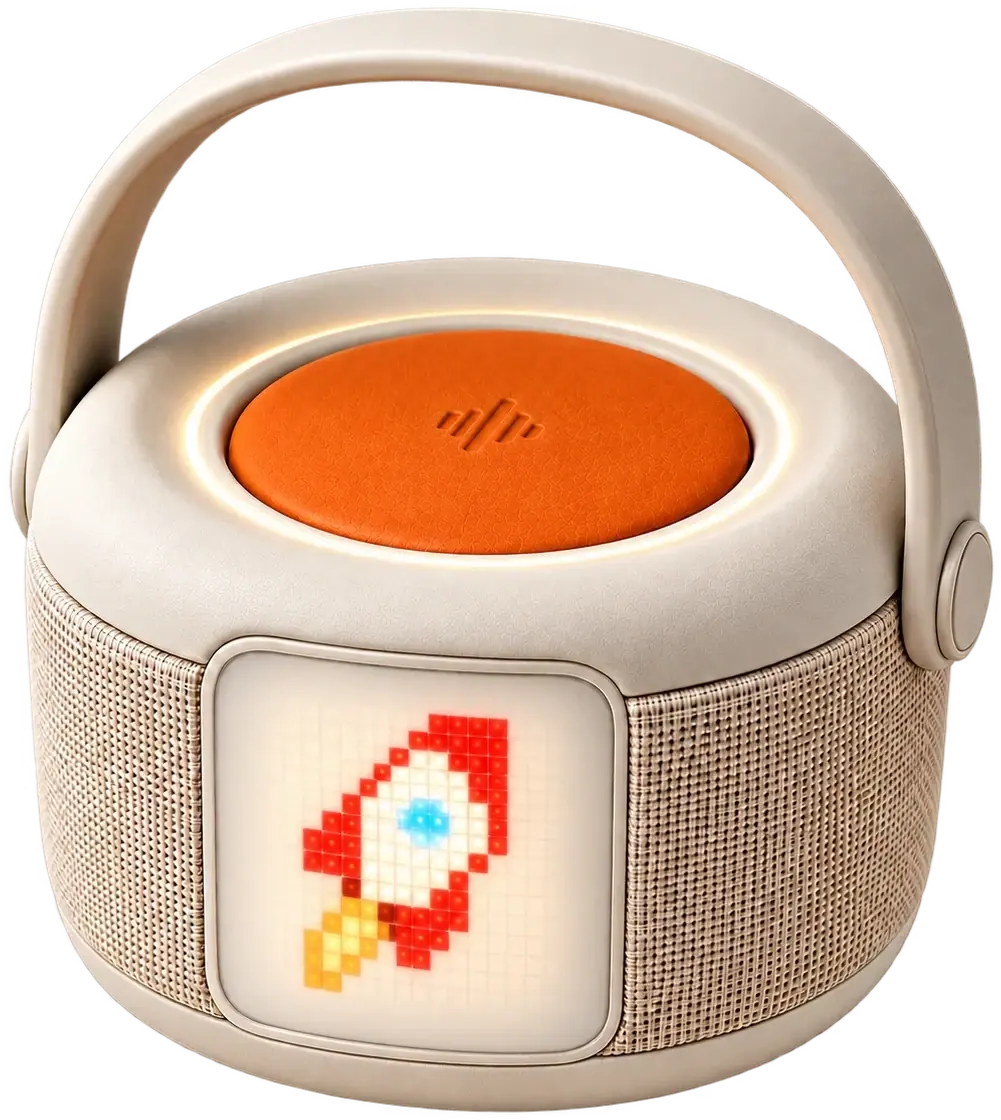
Little button. Big possibilities.
Make it yours.
Set up Bau in the parent app and choose the limits for your family.
Hold. Ask. Let go.
Hold the orange button while you speak. Release it when you’re finished.
See where it goes.
Listen to Bau’s reply. Hold the button again for your next question.
For ages 3 to 10, with a grown-up nearby.
Hold to talk. Wi-Fi needed for replies.
Device & app privacyWhere will your question go?
Pick a topic. Listen to Bau and a curious child.
“Bau, why doesn’t the moon fall?”
Prerecorded AI voice examples, not live conversations. The final product voice may differ.
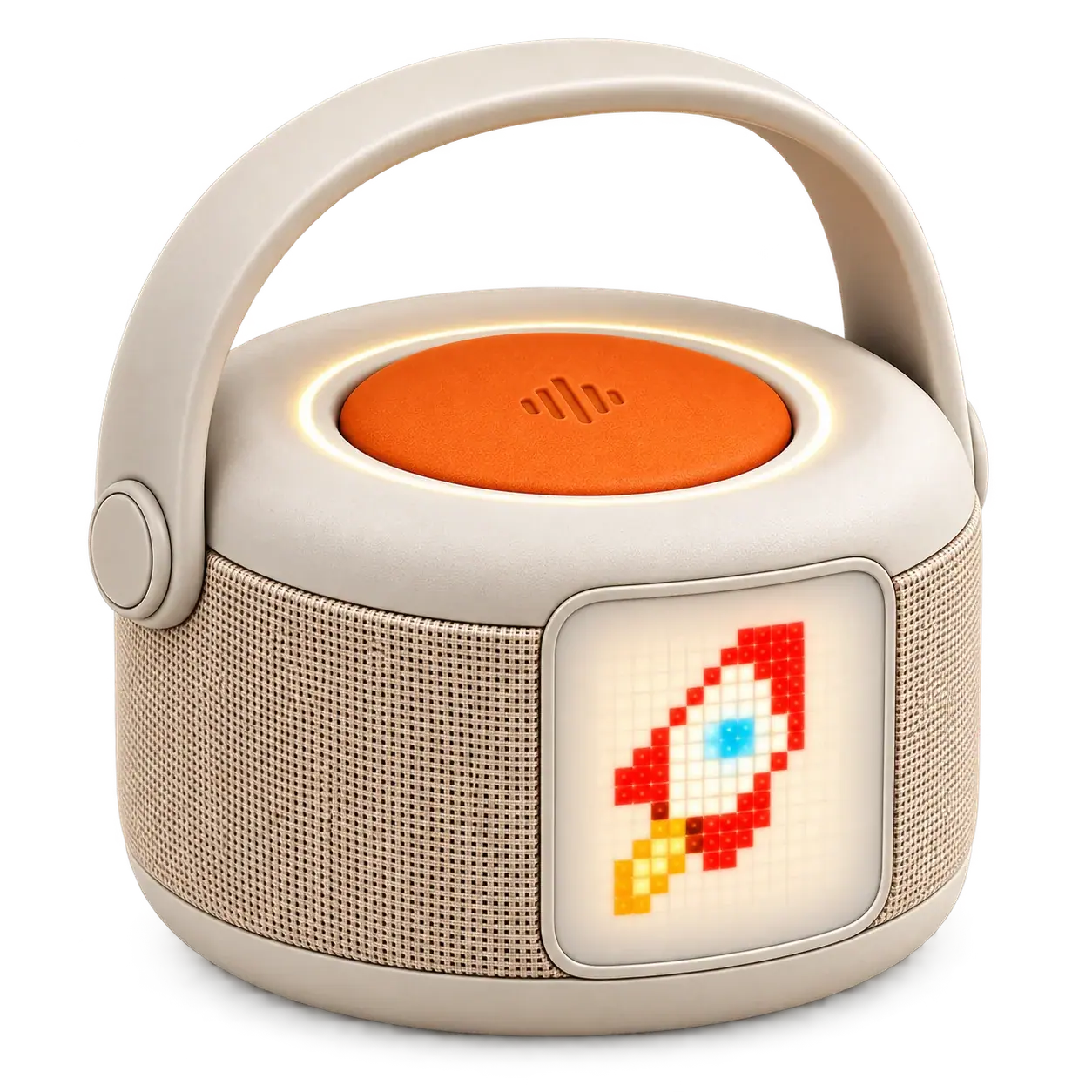
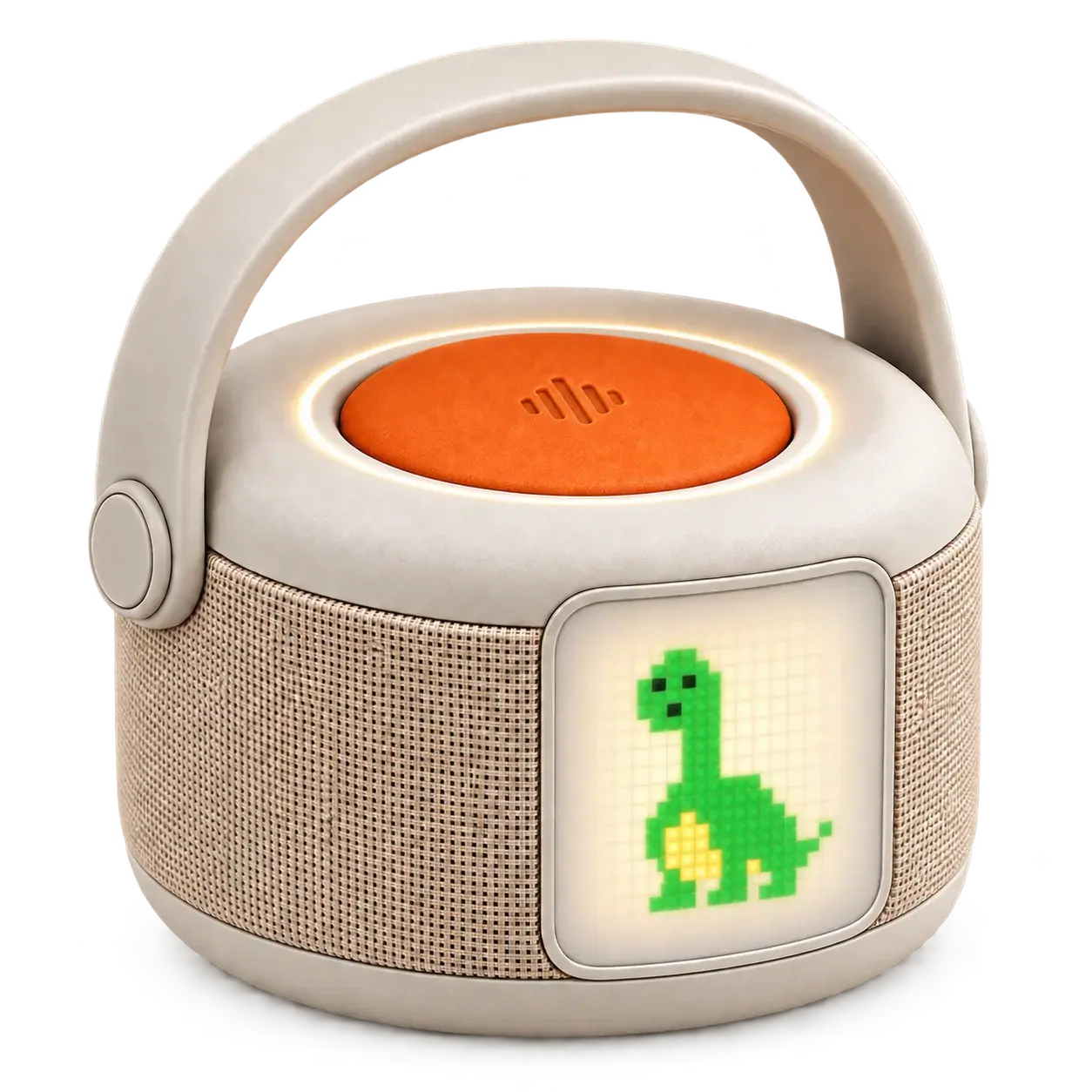
The Moon is falling toward Earth, but it also moves sideways so fast that it keeps missing us. That curved path is called an orbit. What else do you think travels around Earth?
Ready when you are.
A place in their day.
Questions together. Stories to imagine.
Designed for the little moments that make a day.
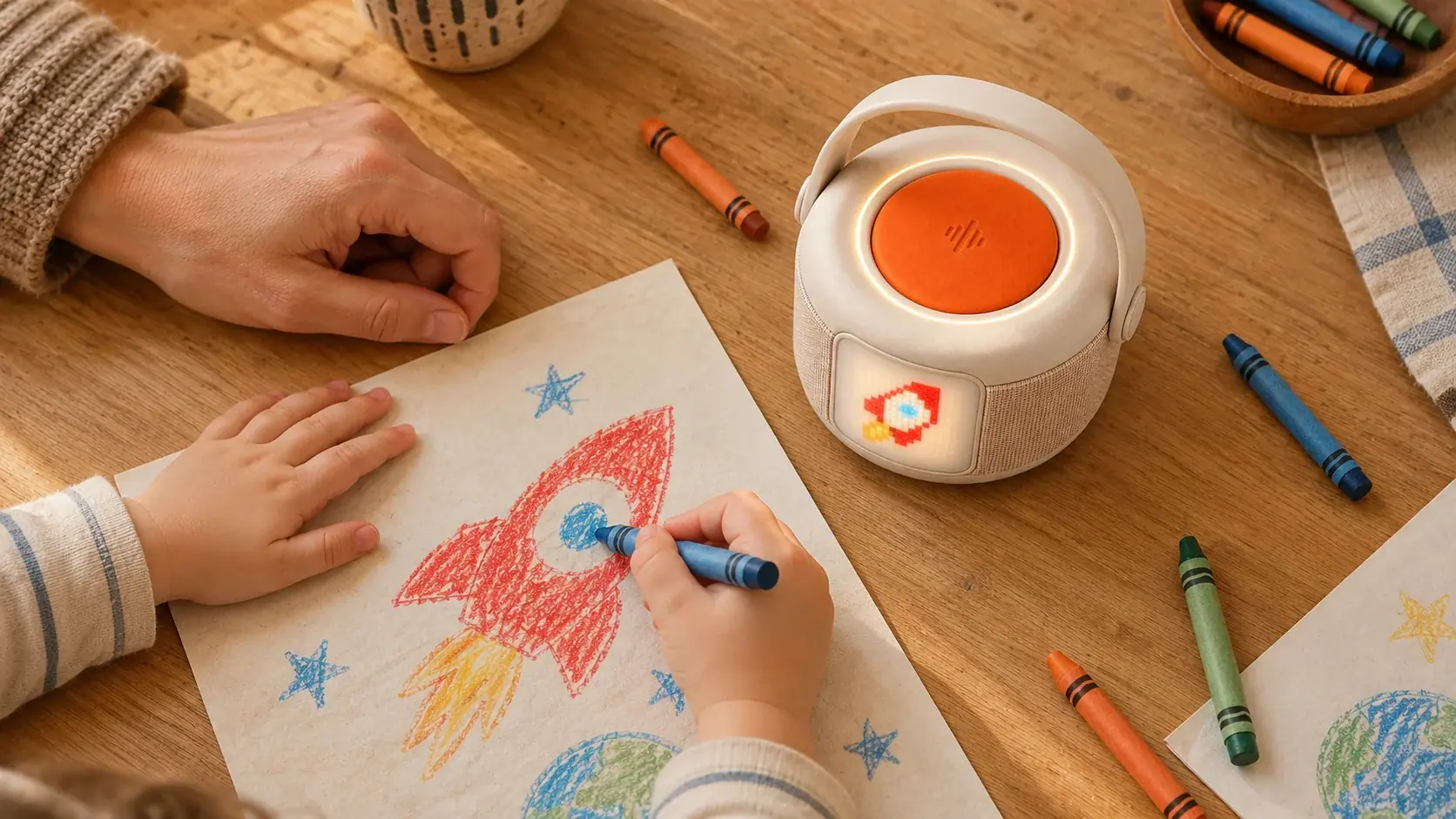 Explore Bau
Little moments. Big discoveries.
Just one more little story.
For parentsSee how the talk button works
Hold the big orange button while you speak, then let go to hear Bau’s reply.
Illustrative films. Floating characters are imagined, not projected by Bau. The final product may differ.
They explore.
You set the limits.
Learning starts with curiosity.
The parent app is designed to let you set up Bau
and choose usage limits for your family.
- Personal setup in the app
- Limits chosen by parents
- Conversations designed for children
Daily rhythm
The preview shows a daily time limit and a bedtime schedule. These are example settings, not controls for a connected device.
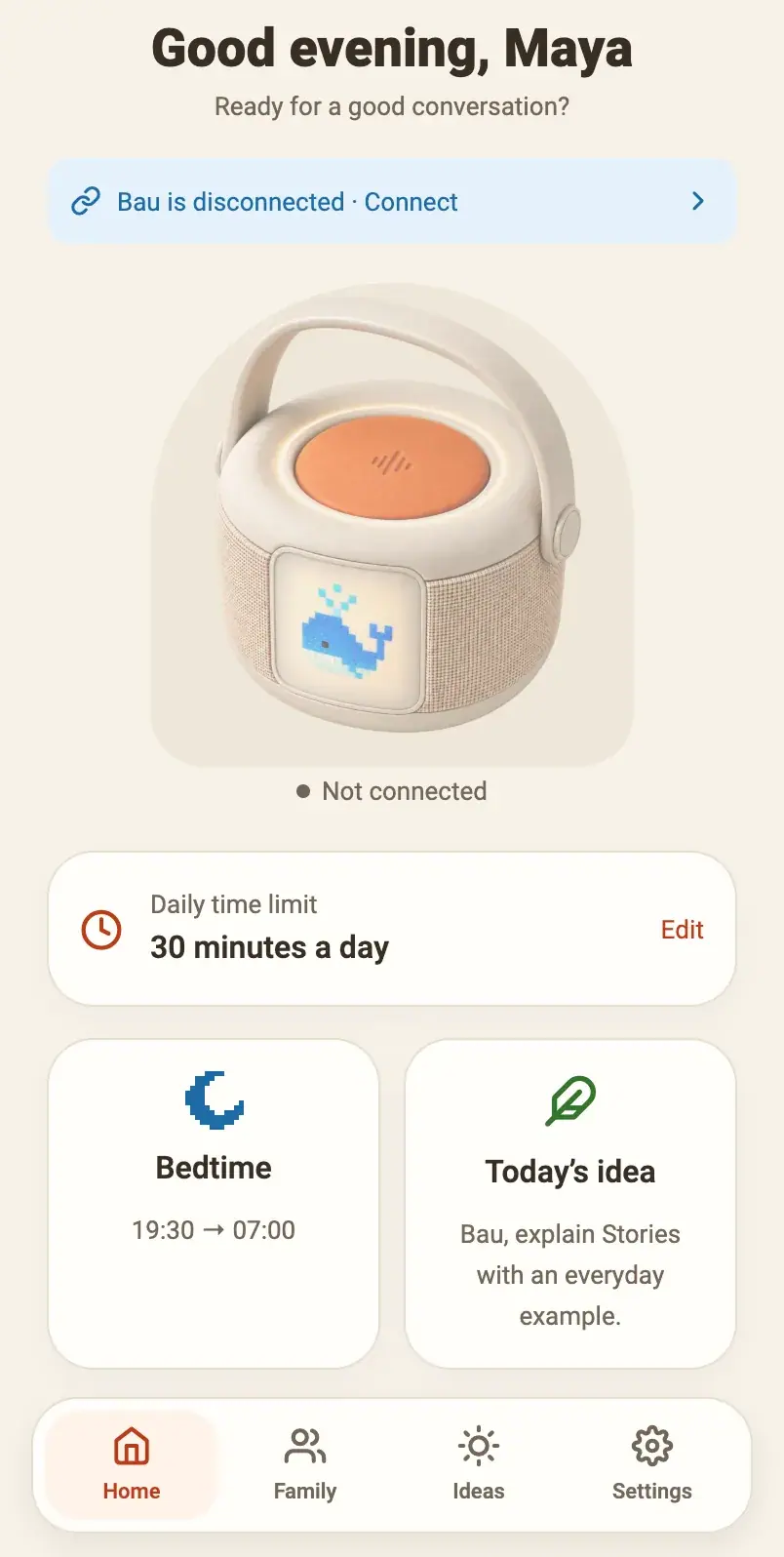
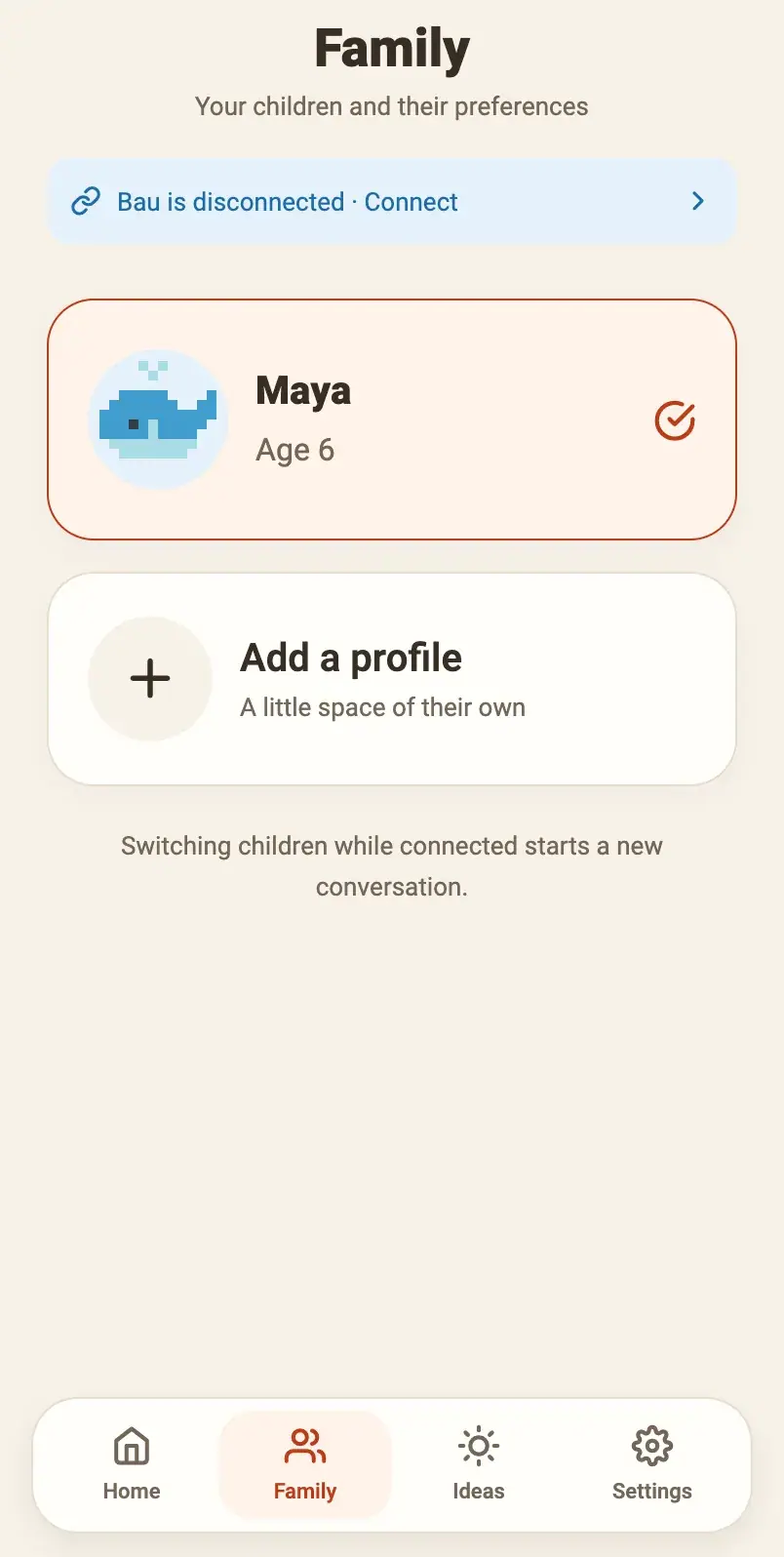
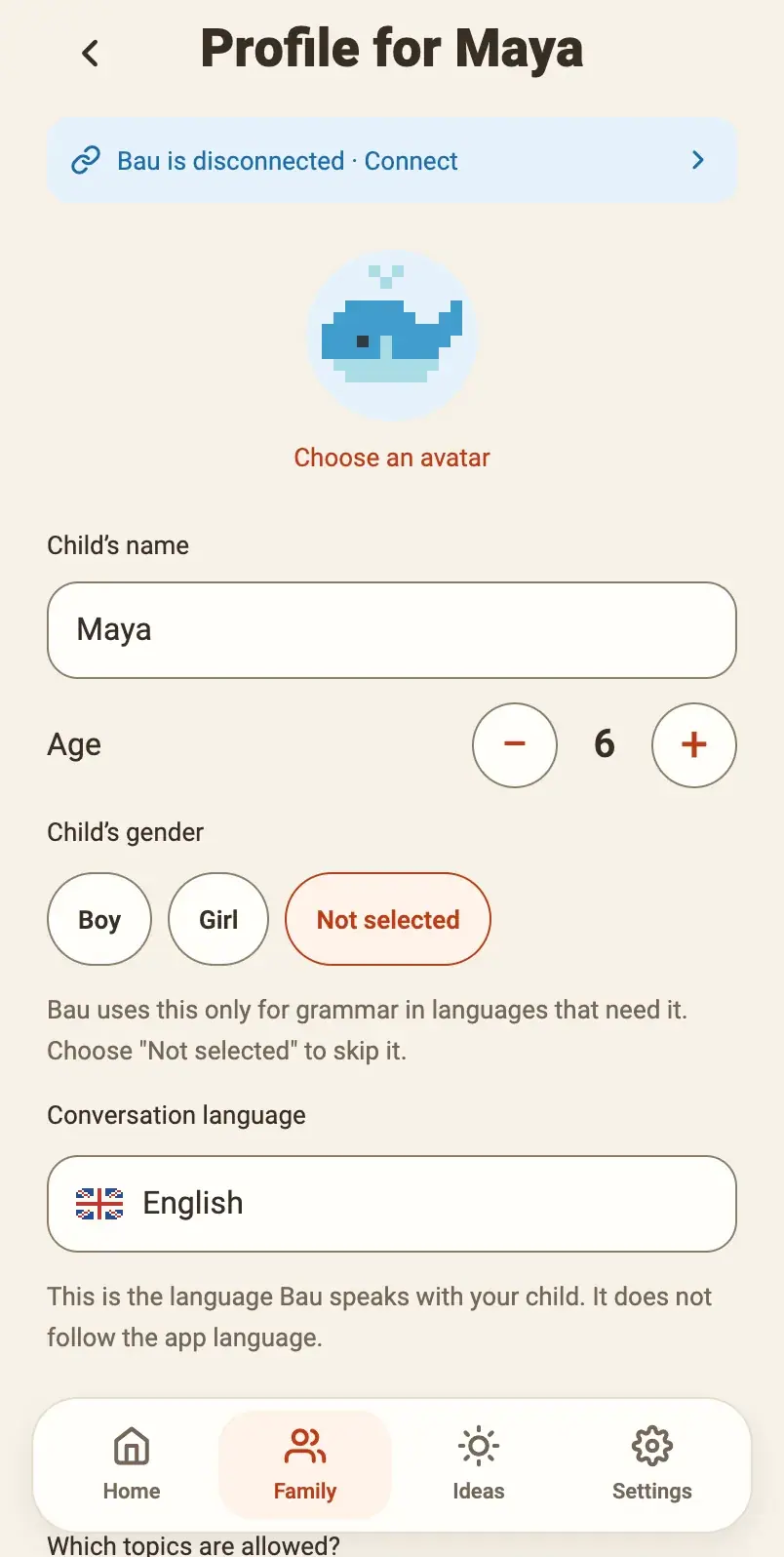
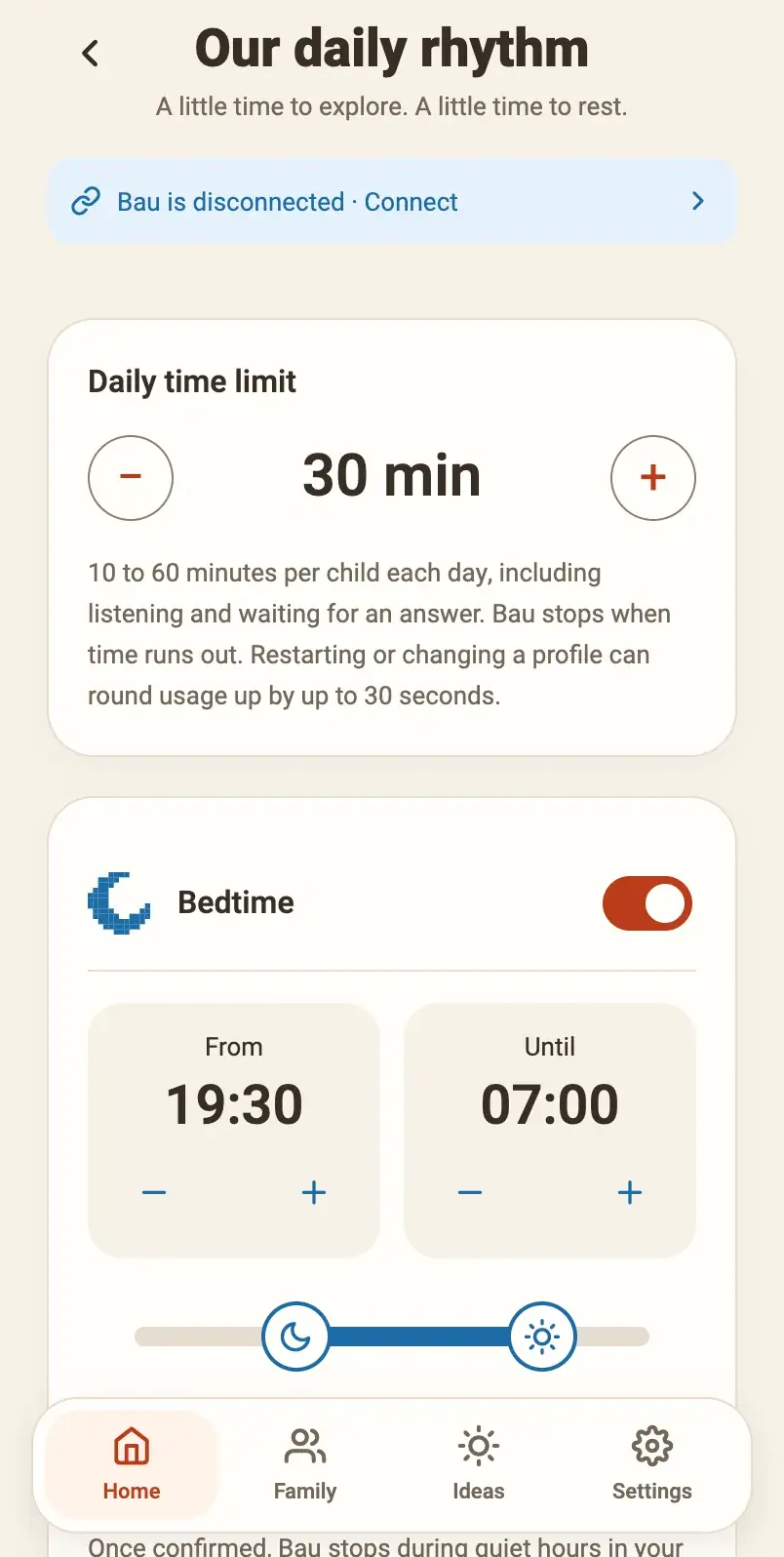
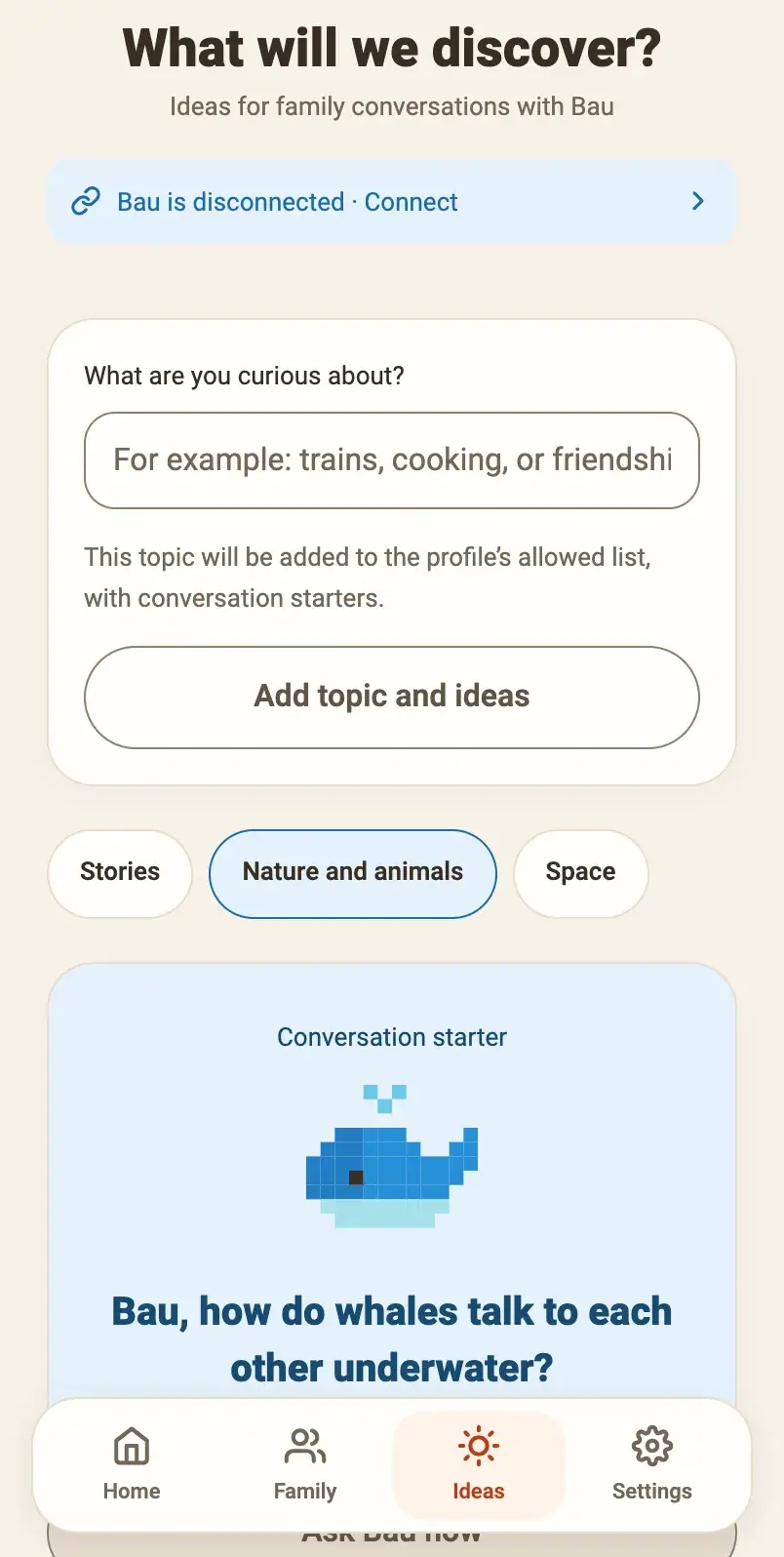
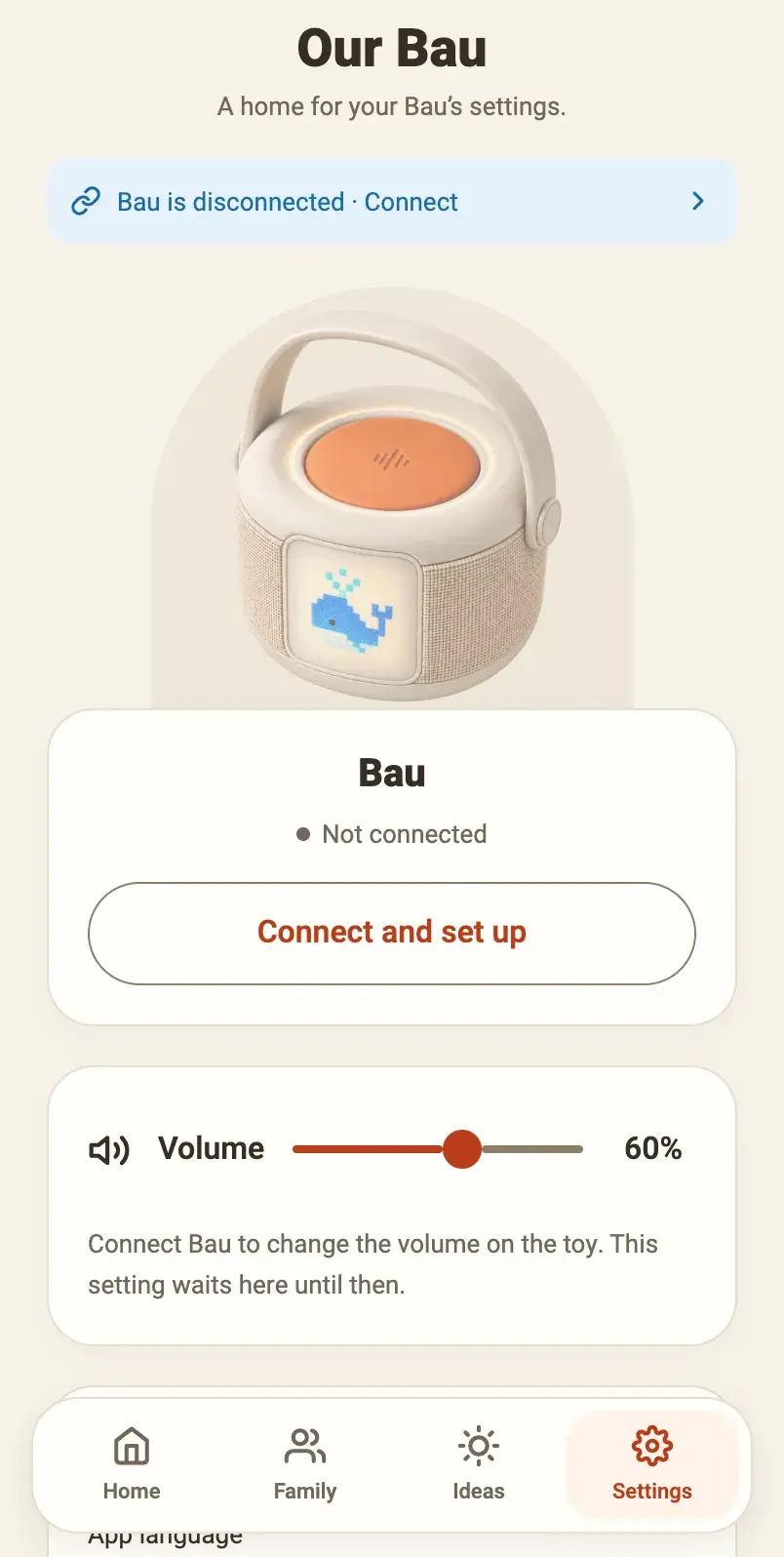
Real screens from the Bau parent app.
Tap around to explore. Details may change before launch.
A little clarity for grown-ups.
Device & app privacyListening starts with a button.
Bau listens while the talk button is held. There’s no wake word or background listening.
Your family. Your limits.
The parent app is designed for setup and usage limits. Explore the app preview to see our direction.
Connected conversations.
Bau needs Wi-Fi to answer. Speech is sent to our service to create the reply. Read how data is handled.
Made for little hands.
Built for conversation.
A speaker, microphone and small display.
With a carry handle and USB-C charging.
Hold to talk.
Hold the big orange button while you speak, then let go to hear Bau’s reply.
- Diameter
- 10 cm
- Charging
- USB-C
Current specifications. Product images are illustrative.
Explore Bau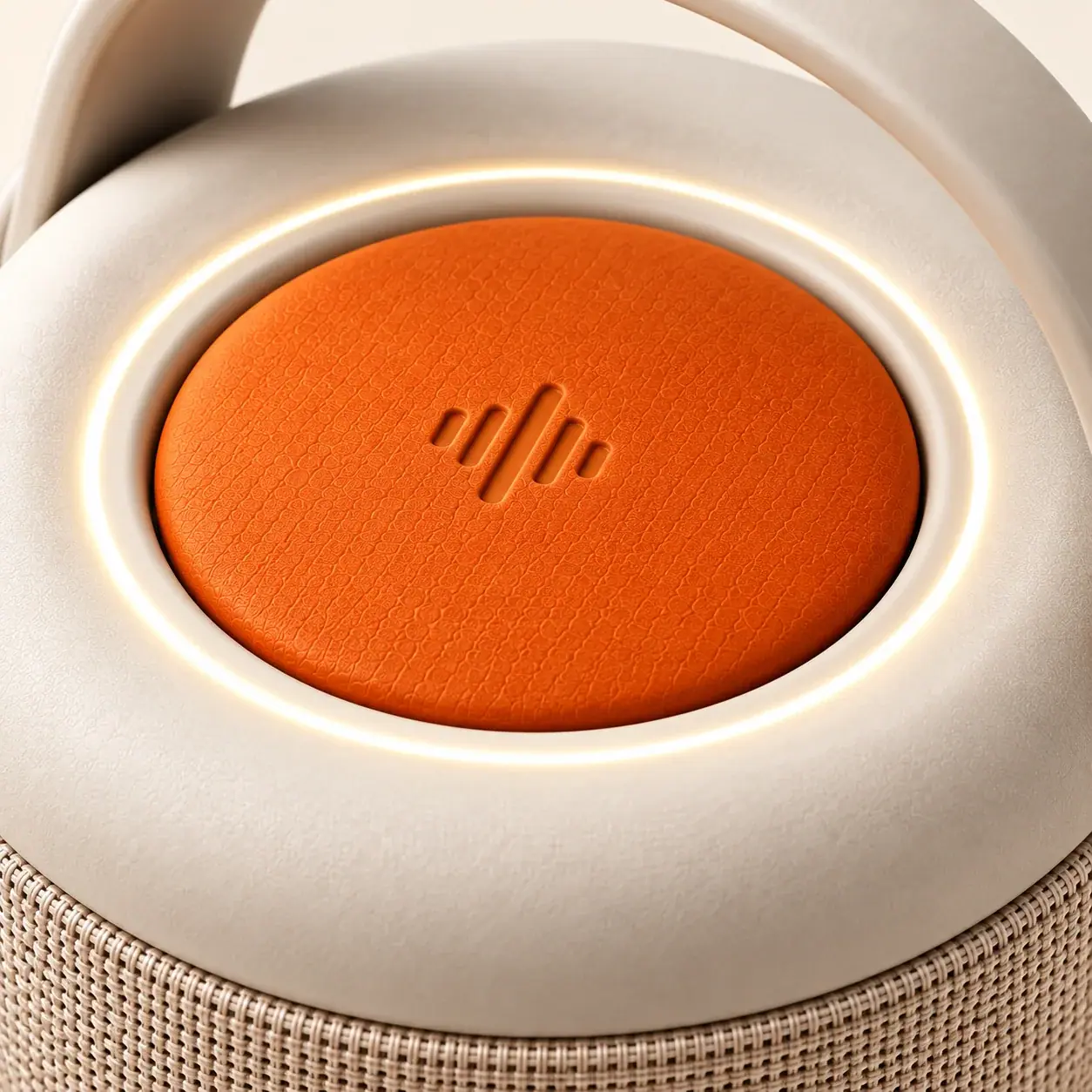
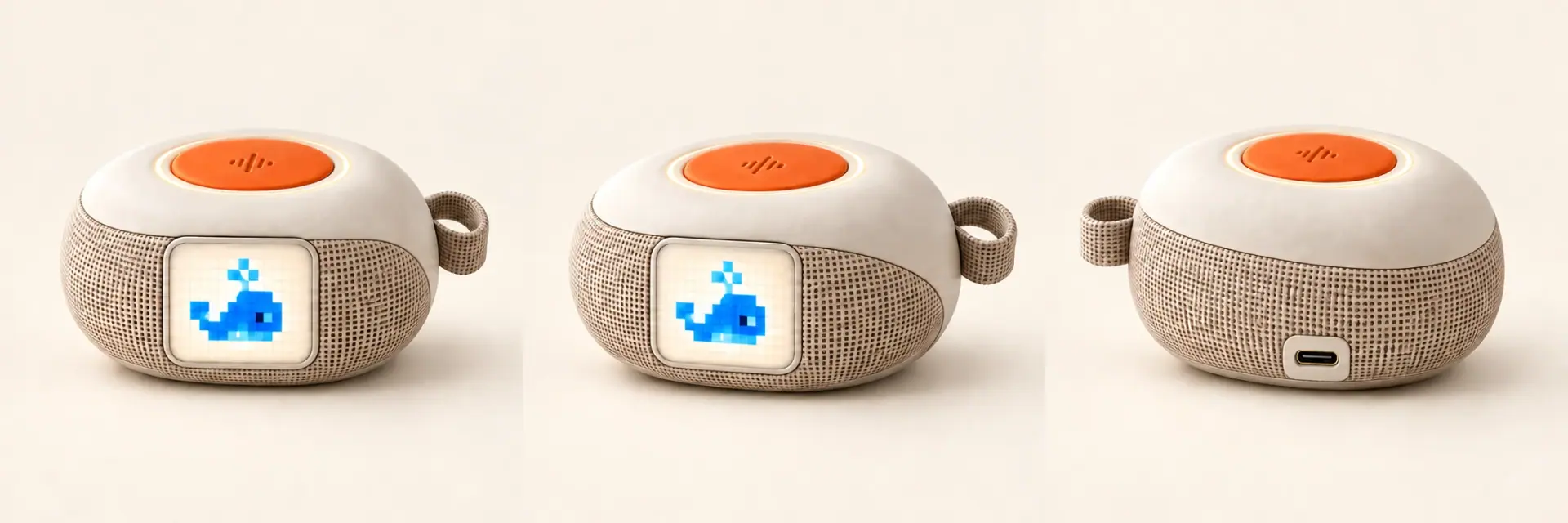
A first look at Mini Bau.
A smaller shape for the Bau family. A smooth pebble body, a soft carry loop and the familiar orange talk button.
Preview Mini BauMini Bau concept preview. Final design and specifications to be announced.
We thought you might have questions, too.
Contact usWhat is Bau?
Bau is a voice-based AI learning device for children. It brings questions, stories and discoveries into everyday moments, with a speaker, microphone, small display and speaking light. The parent app provides setup and usage controls.
Does Bau have a screen?
Yes. Bau has a built-in screen alongside a speaker, microphone and a light that turns on while it speaks. Voice conversation is the main way to use it.
How big is it, and how does it charge?
Bau is 10 cm in diameter, with a carry handle and USB-C charging. Final specifications will be updated before launch.
What ages is Bau for?
Bau is made for children aged 3 to 10, used with a grown-up nearby. Little ones ask and listen; as they grow, the parent app can switch Bau to longer, more detailed answers. AI does not replace a parent’s guidance and judgment.
Which languages will Bau support?
The website is available in English, Hebrew, Spanish, French and German. This does not confirm the languages of the device or parent app. Supported product languages will be announced before launch.
Is Bau always listening?
No. Bau only listens while the talk button is held down. Let go and the microphone stops. There is no wake word and no background listening.
Are conversations recorded, and where do they go?
While the button is held, your child’s speech travels over your home Wi-Fi to our service, which uses an AI model to build the spoken reply. Bau needs an internet connection to answer. What is kept, for how long, and how to ask for deletion is set out in the device and app privacy notice.
What if my child asks something inappropriate?
Bau’s conversations are shaped for children, and the parent app is designed to let you block topics you would rather it skipped. No AI can be guaranteed never to give an unsuitable answer, so Bau is made to be used with a grown-up nearby. Pressing the talk button stops a reply while it is playing.
How do parents set limits?
Bau comes with an app for parents to set up the device and choose limits. The website demo illustrates our direction for parental controls. Exact launch features will be shared later.
When will Bau be available?
Bau is expected to be available in January 2027. You can sign up now for free early access and receive an email when pre-orders open. Pricing and ordering details will be shared before we take payments.
Does early access reserve a Bau?
Early access signs you up for launch and pre-order updates. It is free, with no payment or commitment to buy. A product is not reserved until an order is placed and confirmed.
A little curiosity.
A head start with Bau.
Join the list to hear when pre-orders open.
No payment required. Expected availability: January 2027.
What we do with your information
This form is for parents. We collect your email address, chosen language and consent to receive Bau product and launch updates. Please do not submit information about children. Joining is not a purchase. Details are stored privately for the early-access list. You can ask to be removed by replying to a product update. Privacy policy